In-Store Digital Displays

for

Cannabis Dispensaries

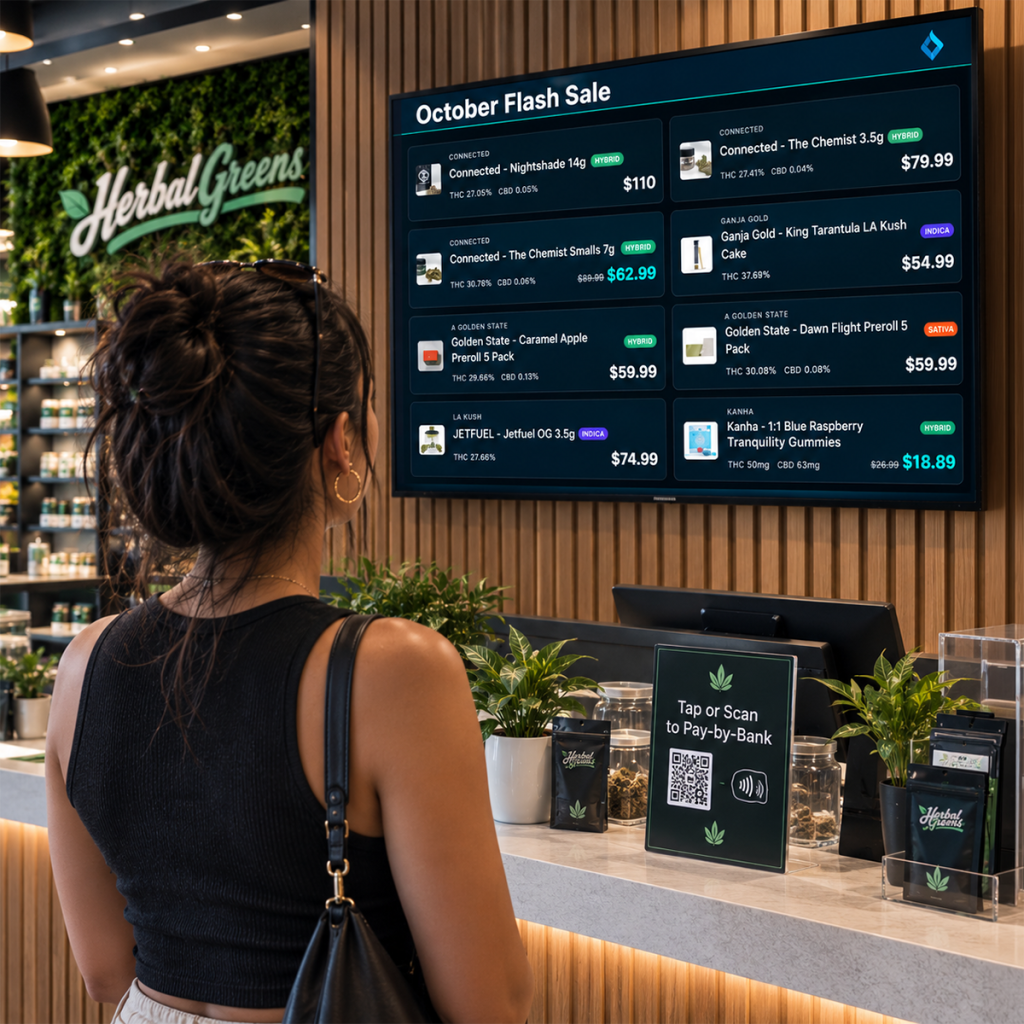
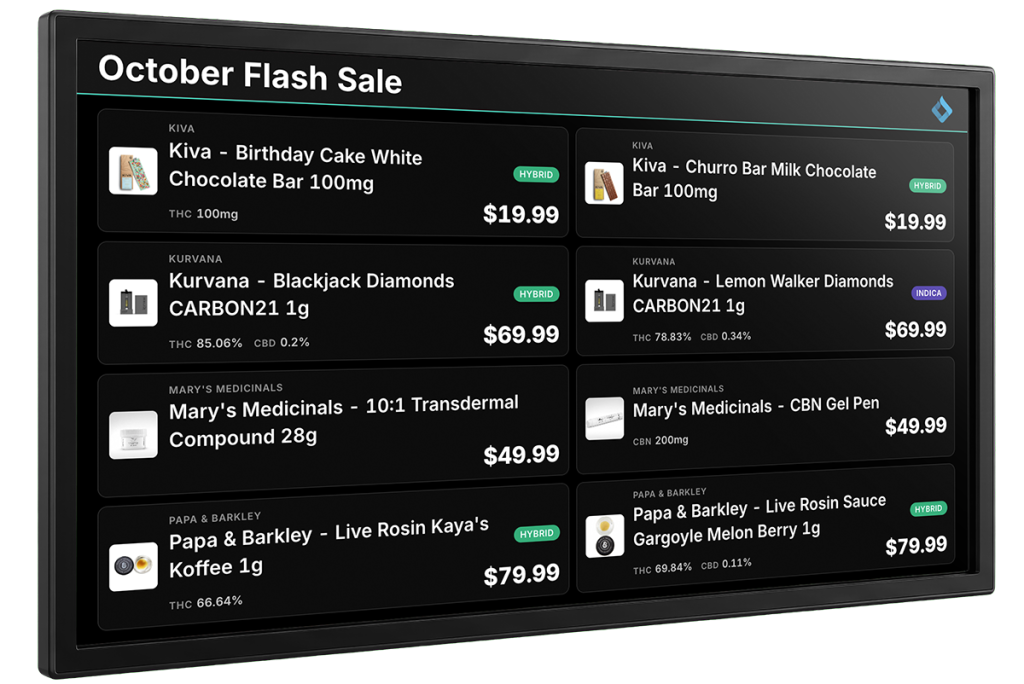
BLAZE TV turns any screen in your dispensary into a live, POS-synced menu board. Prices, inventory, promotions, and the check-in queue update the moment they change, with no USB sticks, no manual edits, and no stale menus.
Trusted By:
Digital Dispensary Signage

What Is BLAZE TV?

BLAZE TV is in-store digital signage built for cannabis dispensaries. It pulls straight from your BLAZE POS, so every product, price, and stock level on screen matches what’s on your shelves. Run live menus, promotions, and the check-in queue on the sales floor, and track fulfillment and team performance in back-of-house, all from one system.

How it Works

1

CONNECT

Open BLAZE TV in a web browser or install it on an Amazon Fire TV device.

2

DESIGN

Choose your menus, queue, and promo slides, then set the rotation timing for each.

3

GO LIVE

Screens sync with POS inventory in real time. Sell out, and it's off the menu. Change a price, and it updates on screen.

Everything Your Screens Need to Sell

Sync Live Menus

Never show out-of-stock products again.

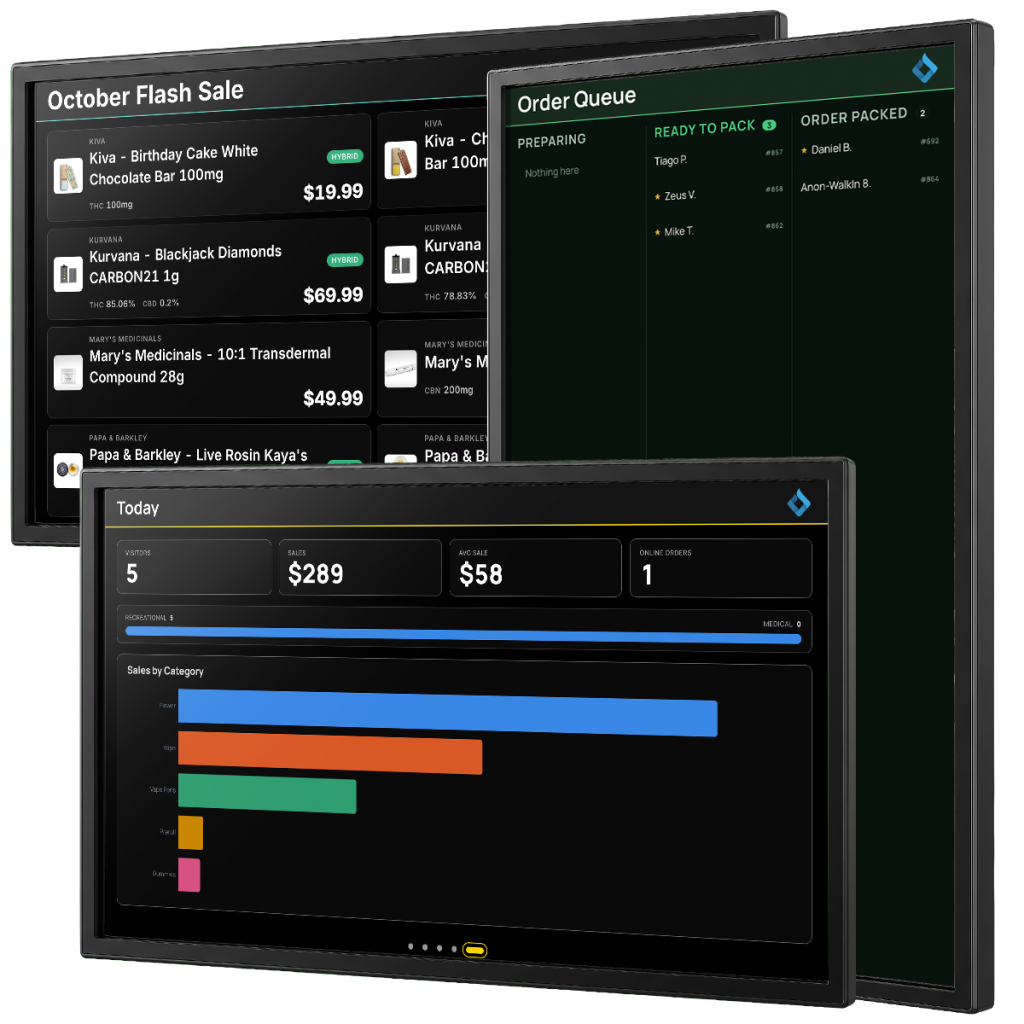
Keep in-store menus automatically synchronized with live POS inventory. Set screens to display specific stock or hide products automatically when inventory drops below custom low-stock thresholds.

Display Customer Queues

Keep check-ins transparent and organized.

Streamline front-of-house flow with real-time waitlists and fulfillment queue displays. Show customer names, order status, and loyalty tier badges live on screen.

Build Curated Product Selections

Feature the right products automatically.

Use Smart Collections to group products by brand, category, or vendor into curated on-screen selections. Then schedule them by date range, day of the week, or time window, like Happy Hour.

Flexible Screen Layouts

Fit any wall, screen, or orientation.

Customize displays with landscape or portrait modes, 2 to 4 layout columns, and 17 pre-built color themes—including high-contrast options for high-glare environments.

Play Dynamic Content

Engage shoppers with multimedia and videos.

Combine product menus, single promotional image graphics, and MP4 video clips in continuous rotating slideshows with customizable slide timing and smooth transitions.

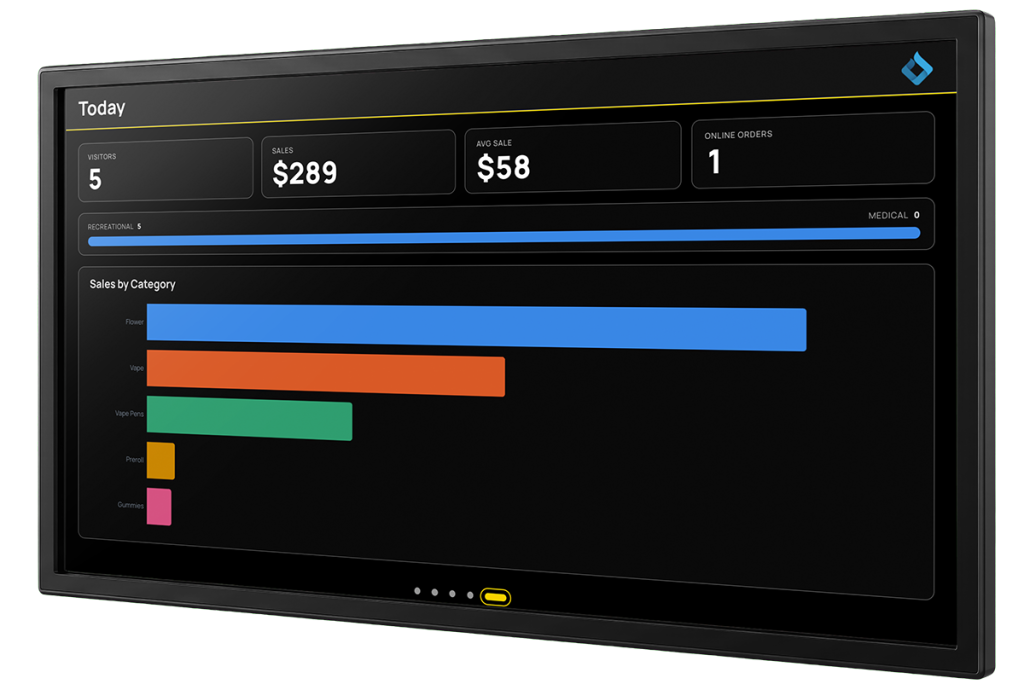
Monitor Budtender Metrics

Gamify team performance in the back-of-house.

Turn screens toward staff areas to display real-time daily store overviews, category sales, top-selling brands, and top 5 budtender leaderboards using live dashboard analytics.
One Platform

Front to Back

On the Sales Floor

  • Live menus shoppers can trust, down to the last gram
  • Queue display that makes the wait feel shorter
  • Branded visuals and video that turn wait time into screen time

Behind the Counter

  • Fulfillment tracking that keeps pickup and delivery orders moving
  • Daily performance at a glance for managers
  • Budtender leaderboards that keep the team motivated

Recommended Hardware

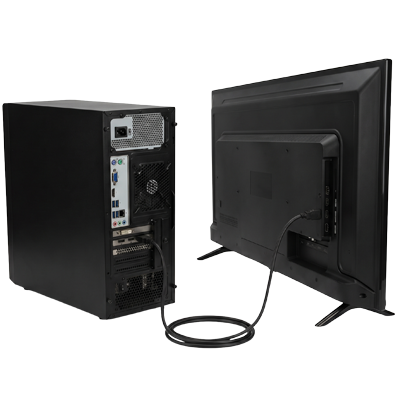
BLAZE TV runs on any modern web browser.
For a dedicated, always-on screen, we recommend these Amazon Fire TV devices:

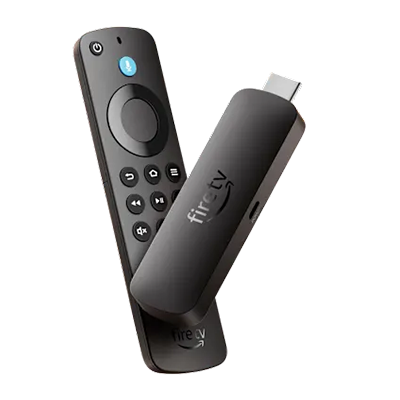
Fire TV Stick

4K Max (2nd gen)

4KPlus

Plug-and-play on any existing TV
Fire TV Cube

Hardwired, always-on installs

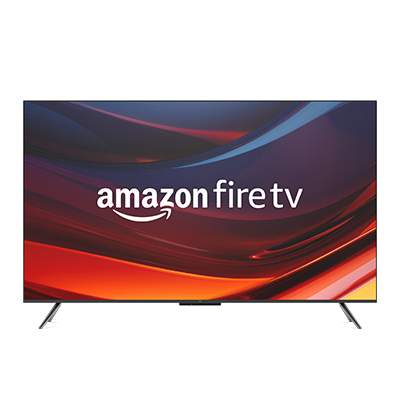
Fire TV Omni televisions

All-in-one screen with Fire TV built in

Devices to avoid for digital signage
The Fire TV Stick 4K Select and Fire TV Stick HD automatically turn off after five minutes of inactivity. Amazon prevents third-party apps like BLAZE TV from overriding this screensaver, so your menu will go dark.
Let's get you started

Turn Every Screen into a Sales Tool

Stop updating menus by hand. Put live inventory, promotions, and your queue in front of every shopper with BLAZE TV.

Frequently Asked Questions

BLAZE TV is digital signage software for cannabis dispensaries. It displays live menus, promotions, the check-in queue, and team performance on in-store screens, synced directly from BLAZE POS.
Menus sync in real time with your BLAZE POS inventory. When a product sells out or a price changes, the screen updates automatically.
Any screen with a modern web browser, or an Amazon Fire TV device. We recommend the Fire TV Stick 4K Max (2nd generation), Fire TV Stick 4K Plus, Fire TV Cube, or Fire TV Omni televisions.
The Fire TV Stick 4K Select and Fire TV Stick HD. Both turn off after five minutes of inactivity, and Amazon doesn’t let third-party apps override that screensaver.
Yes. Add custom promo slides and marketing graphics, and set rotation timing for each slide.
Yes. Display fulfillment tracking, daily performance, and budtender metrics for your team.