
BLAZE Retail logo

Duplicate Member Merge

One customer. One profile.

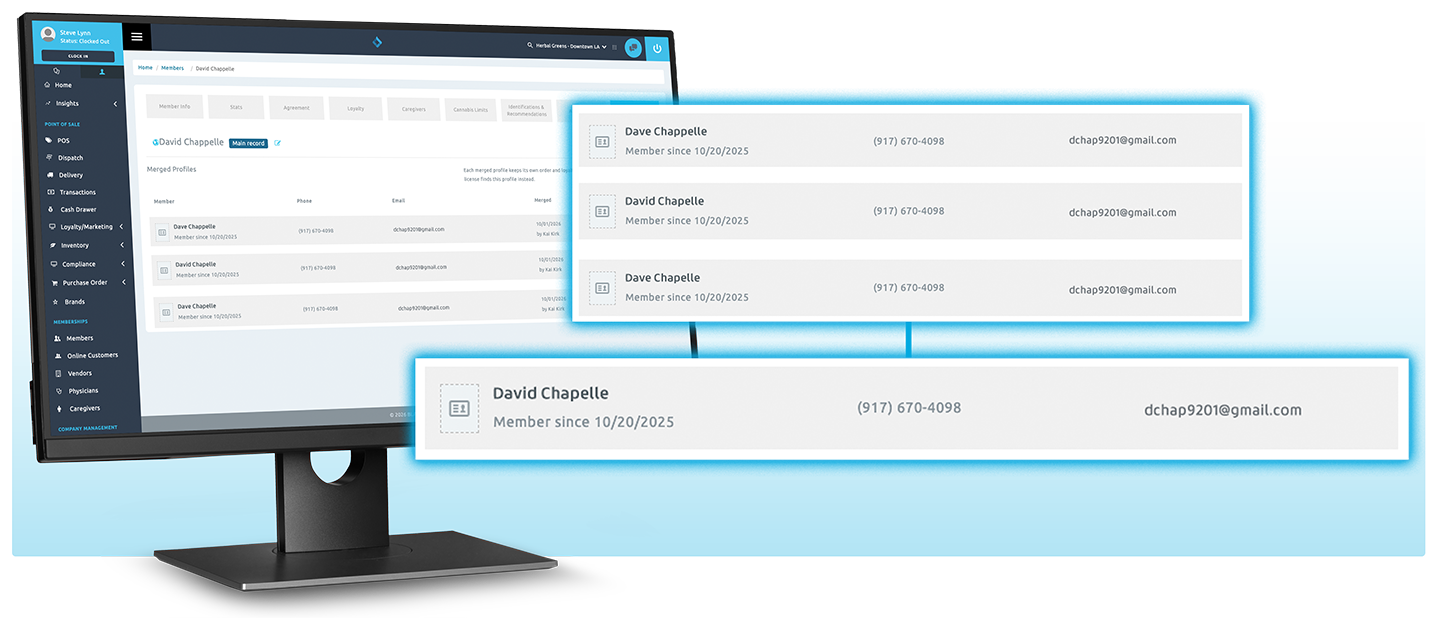
Duplicate Member Merge finds duplicate customer profiles across every store and combines them into one clean record, with loyalty points, contacts and purchase history intact.
Trusted By:

The Challenge

A customer signs up twice, at two stores, with two phone numbers. Now their points are split, your marketing double-sends, and your customer count is inflated. Fixing it by hand means copying data profile by profile.

The Solution

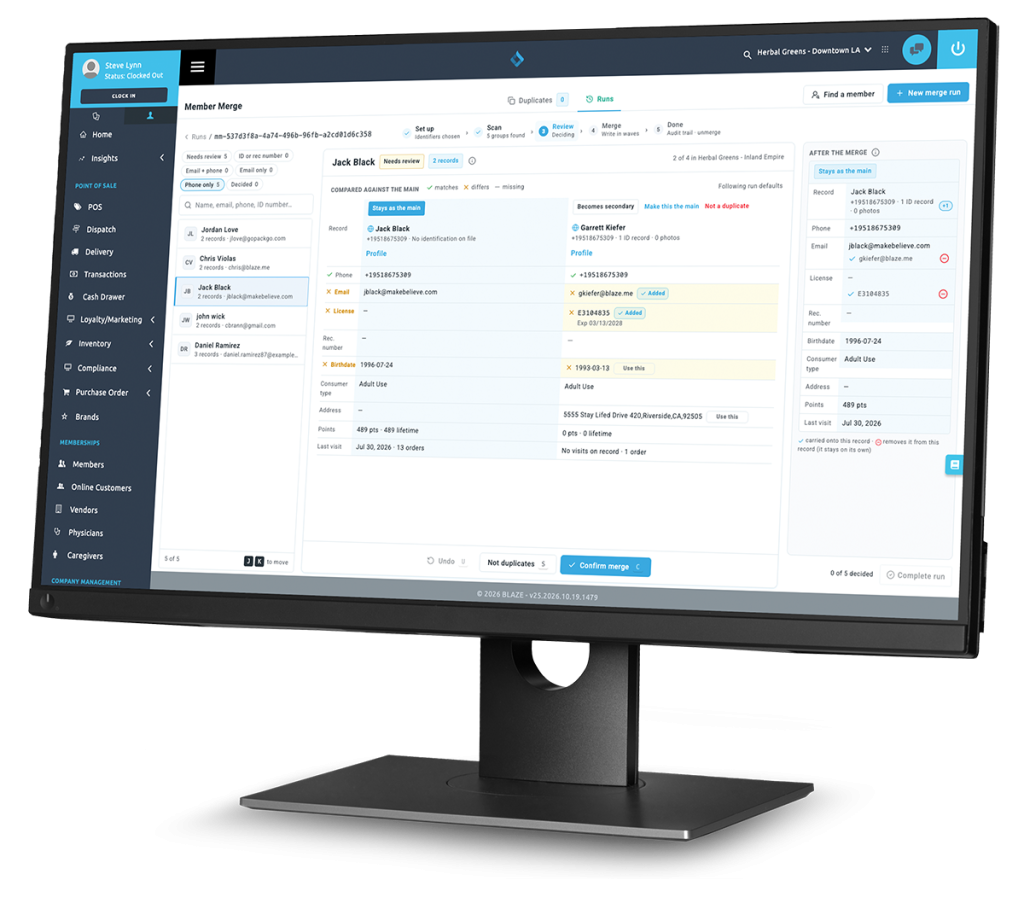
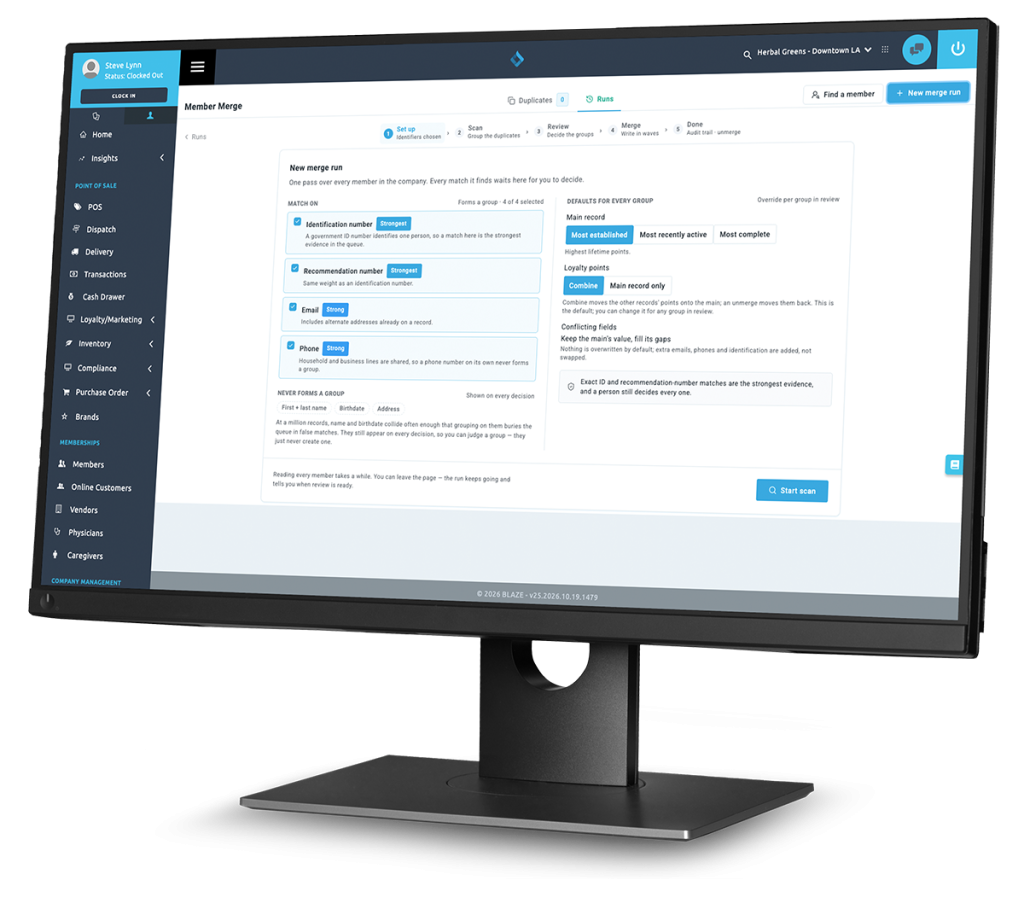
Run one company-wide scan. BLAZE groups likely duplicates on strong identifiers like ID number, email and phone, you confirm each group, and BLAZE merges them into a single main record. Nothing is deleted.

Find duplicates across every store.

One scan checks every shop in your company.

Matches you can trust.

Groups form only on ID or rec number, email or phone. Never on name alone.

Points stay whole.

Loyalty balances combine onto the main record by default.

You stay in control.

Review every group, mark false matches as Not a duplicate, and merge only what you confirm.

Prevent and Fix Duplicates

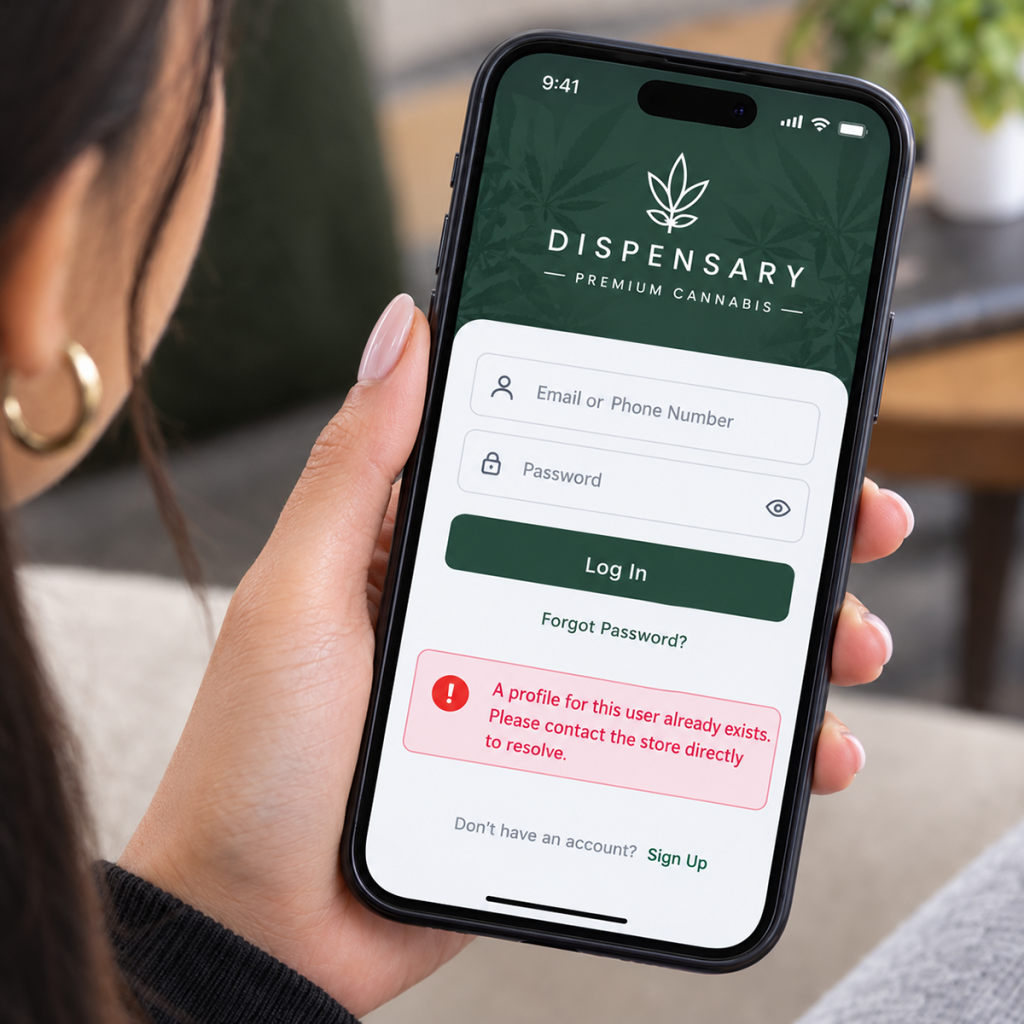
Duplicate profiles come from two places: new sign-ups that should have matched an existing customer, and records that arrive through imports or slip through over time. BLAZE Retail handles both.
Duplicate Member Avoidance Duplicate Member Merge
When Before a duplicate is created. After duplicates exist.
What it does Stops a new profile from duplicating an existing customer. Combines existing duplicates into one main profile.
Best for Everyday sign-ups at the counter and online. Imported member lists, legacy data, and duplicates that slipped through.

How it works

1

Scan
Every Store

BLAZE finds likely duplicate profiles across your company.

2

Review
the Matches

Confirm real duplicates and reject the rest.

3

Merge
in One Click

Points and contacts combine into one main record.
Support Resources

Clean data.
Accurate loyalty.
Better marketing.

See how Duplicate Member Merge cleans up years of duplicate profiles in one run.

Frequently Asked Questions

Only on ID or medical recommendation number, email or phone. Name, birthdate and address alone never create a match.
By default, positive balances combine onto the main record. You can choose Main record only to leave balances in place.
No.
Secondary profiles are hidden from the Members list and POS search, and orders and transactions stay viewable from the Merged Profiles tab.
Scanning a secondary profile’s driver’s license opens the main record automatically.
Users with Store Manager or Company-Level Dashboard permission.