
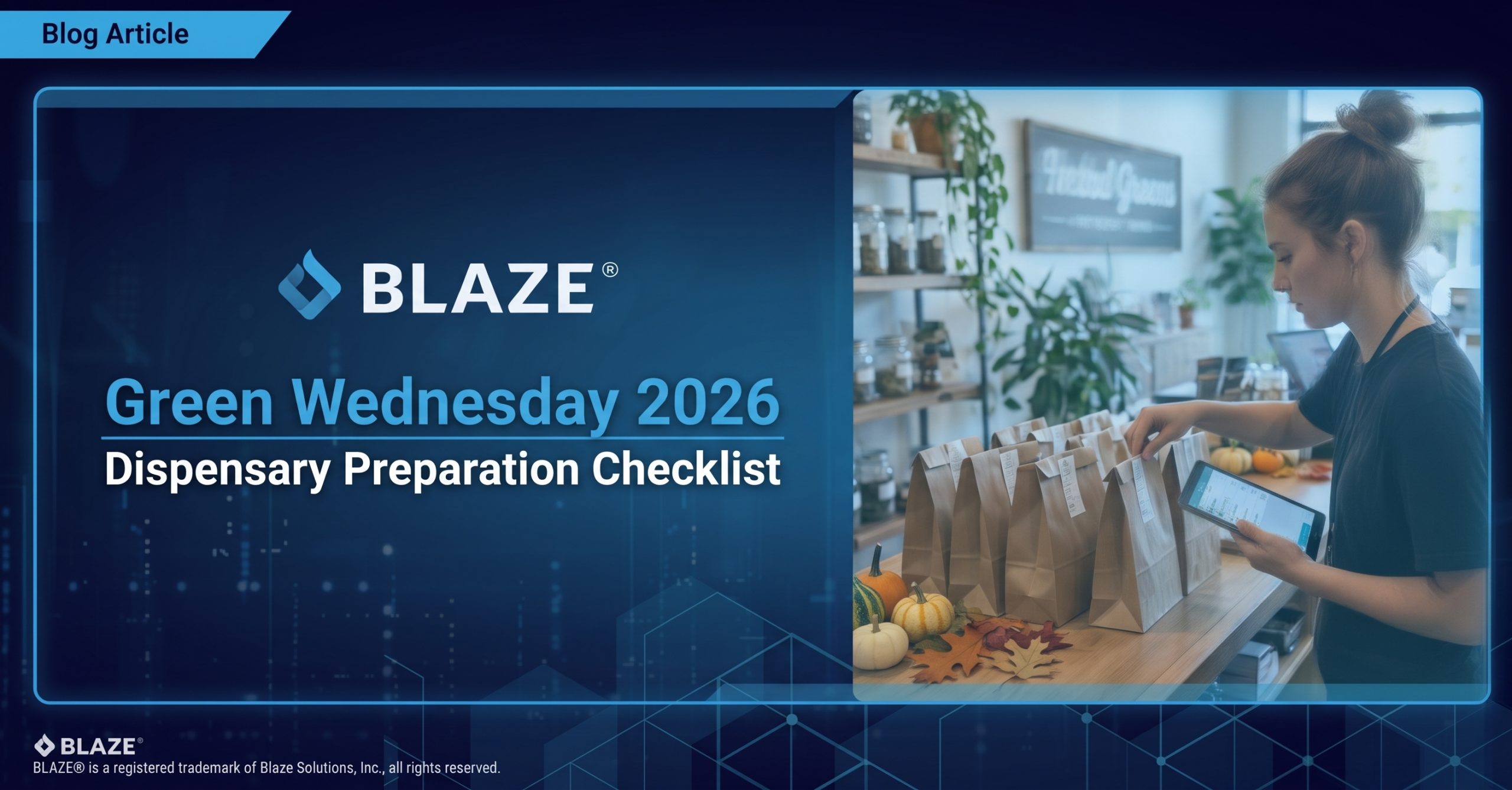
Green Wednesday falls on November 25, 2026, the day before Thanksgiving. It is a major holiday shopping day for dispensaries, as customers prepare for the long weekend. Plan early for reliable technology, a smooth online-to-pickup flow, and promotions that build basket size while protecting margin.
This checklist organizes the preparation work by how far ahead to start.
Use only promotions, loyalty rewards, advertising, and payment options permitted in your market. Keep offers within applicable purchase limits and obtain consent for marketing messages.
What is Green Wednesday?
Green Wednesday is the cannabis industry's name for the Wednesday before Thanksgiving. Traffic jumps because:
- Customers are buying for a long holiday weekend, often for more than one person
- Many stores close or cut hours on Thanksgiving Day, so demand shifts to Wednesday
- Shoppers are already in deal mode heading into Black Friday
Interest builds well before the day. Profound's prompt volume data shows AI assistant prompts matching "green wednesday cannabis" in the US rose from about 1,100 in October 2025 to about 9,000 in November 2025. Weekly volume peaked in the two weeks before the holiday. People are researching where to shop and what deals to expect in early to mid November, so your promotions and website updates need to be live by then.
The Green Wednesday prep checklist
3 to 4 weeks out: stress-test your tech
Peak days show you where your stack is weak. A slow menu or a POS that freezes at 5 p.m. costs you sales you can't get back.
- Ask your POS and ecommerce partner about their peak-day track record. Ask directly: what happened on last 4/20 and last Green Wednesday? Any outages or latency?
- Confirm your menu syncs with inventory in real time. Overselling a product that's already gone is the quickest way to lose a pickup customer.
- Have a backup plan for internet or hardware failures. Know how you'll keep ringing sales if your connection drops.
- Know who picks up when you call support. On your busiest day you need a real person in minutes, not a ticket queue.
Review your provider's uptime history and holiday support coverage before peak day. Test your checkout workflow, confirm how to escalate urgent issues, and make sure every shift lead can access the support contacts.
Build the holiday SOP before the rush
Give each shift lead one operating checklist covering opening checks, order preparation, customer handoff, promotion exceptions, and closing reconciliation. Assign an owner and a backup to every task, plus a clear trigger for escalating a problem. A checklist is useful only if the next person can follow it without asking its author.
BLAZE MCP connects compatible AI assistants to BLAZE data under your existing permissions. Its early access offering can help teams review inventory and draft promotions; each change requires approval. Confirm availability before including it in your holiday workflow.
Use your store data to make preparation specific. For example, ask your connected assistant to identify slow-moving inventory for review, then use the findings to draft a manager checklist. Add your store’s procedures and have the shift lead walk through it before sharing the final version.
- Opening: confirm register readiness, active offers, available stock, and pickup instructions.
- During service: assign someone to monitor order queues and route pricing or fulfillment exceptions to the manager.
- Closing: reconcile outstanding orders, record issues, and leave the next shift a short action list.
2 to 3 weeks out: set up online ordering for volume
On a peak day, online ordering is your overflow lane. Every pre-paid pickup order is a shorter line and a faster checkout.
- Push pre-ordering and express pickup in your email, SMS, and on-site banners
- Make sure your menu lives on your own domain with indexable product pages, so shoppers searching for you (and AI assistants answering questions about you) land on your store instead of a marketplace listing
- Turn on Guest Checkout so first-time shoppers don't drop off at an account creation screen.
- Feature holiday bundles near the top of your menu so they're the first thing people see
A clear pickup process helps your team handle online demand while keeping the sales floor moving.
Build the customer communication plan
BLAZE Growth brings email, SMS, push notifications, and loyalty into one marketing suite. Use it to coordinate the lead-up to Green Wednesday, with a clear purpose for each message.
- Two weeks before: announce the date, holiday hours, and when customers can browse the offers.
- One week before: explain eligible promotions, how to order, and where to collect a pickup.
- The day before: send opted-in shoppers a concise reminder with a direct menu link and current pickup instructions.
Choose audiences before scheduling sends. Returning customers may need a reminder about their rewards; first-time shoppers need practical details about visiting the store. Review the full schedule together so email and SMS do not repeat the same message unnecessarily. Give one person responsibility for updating scheduled messages if availability changes.
1 to 2 weeks out: build promotions that grow the basket
Green Wednesday shoppers are already planning to buy. Your job is to raise what they spend, not to discount what they would have bought anyway.
- Bundles over blanket discounts. Pair a flower SKU with pre-rolls or accessories at a set price.
- Tiered spend offers that encourage larger baskets, where permitted by local rules.
- Loyalty multipliers for the day, so the promotion also brings customers back in December.
- One promotions engine across channels. A deal that works in-store but not online, or the other way around, frustrates customers and staff alike.
Shared customer, cart, and promotion data helps your staff honor the same offer across channels. Track average order value and margin by channel to see which promotions and payment options work for your store.
Make loyalty part of the offer design
BLAZE Loyalty supports configurable point multipliers, redemption rules, and reward stacking. Use those controls to define who qualifies, when an offer applies, and what customers can combine at checkout.
Choose a clear goal for each offer: encouraging earlier visits, supporting online ordering, or giving members a reason to return. Estimate both the immediate discount and the value of points issued before approving the offer. Compare that cost with expected margin instead of judging the promotion by revenue alone.
- Write the rules in plain language: eligible products, locations, dates, channels, exclusions, and stacking.
- Test a qualifying basket, a nonqualifying basket, and a basket that includes an existing reward.
- Show staff the expected receipt and give them one approved explanation for common questions.
Week of: staff and floor operations
- Schedule extra budtenders for the afternoon and evening rush
- Set up a separate pickup line or window for online orders
- Pre-pack popular online orders during slower morning hours
- Brief staff on every active promotion so the in-store experience matches the website
Prepare the customer-facing display and rehearse checkout
BLAZE Customer Facing Display (CFD) shows order items, taxes, discounts, and loyalty balances. Customers can use its QR code to self-enroll, while idle-screen banners can promote holiday specials.
Load the correct holiday artwork before the rush and view it from the customer’s side of the counter. Keep each banner focused on one offer, with readable terms. Assign an owner to remove expired creative and update unavailable products.
Run a rehearsal with a new customer, a returning loyalty member, and an online pickup. Check the displayed price against the receipt, confirm that enrollment works, and practice resolving a disputed discount. Include the time spent explaining an offer when judging whether checkout is ready.
At the opening huddle, review the day’s offers, pickup flow, breaks, and escalation contact. Put the approved answers where staff can reach them quickly. If a queue builds, the shift lead should know which trained person can move to packing or pickup and who will communicate revised wait times.
The day after: review and carry the momentum into Black Friday
Pull your Green Wednesday numbers the next morning: sales by channel, average order value, top SKUs, and stockouts. Black Friday is two days later, so restock what sold out and double down on the promotions that worked.
Record more than total sales: note discount cost, reward redemptions, new loyalty enrollments, order cancellations, and recurring checkout questions. Turn the top issues into specific changes for Friday, with an owner and deadline. A promotion that sold well but repeatedly confused customers needs clearer rules before it runs again.
Green Wednesday FAQ
When is Green Wednesday 2026?
Wednesday, November 25, 2026, the day before Thanksgiving.
Why is Green Wednesday so busy for dispensaries?
Customers stock up before the long holiday weekend, many stores cut hours on Thanksgiving, and shoppers are already looking for holiday deals.
How early should dispensaries promote Green Wednesday deals?
Aim to publish your offers two to three weeks ahead, then update availability, hours, and pickup details as the holiday approaches.
What's the biggest tech risk on Green Wednesday?
Downtime or slowdowns in your POS or online menu during peak hours. Ask your provider about their peak-day history before the day.
Should dispensaries offer online pre-ordering for Green Wednesday?
Yes, where permitted and supported by your operation. Prepaid pickup orders can reduce work at the register and help staff prepare orders before customers arrive.
Get Ready for Green Wednesday With BLAZE
You run the store. We run the technology. If you want to talk through your Green Wednesday setup, or you're reconsidering your POS before next year's peak days, get in touch with the BLAZE team.
Request a Free Demo →