
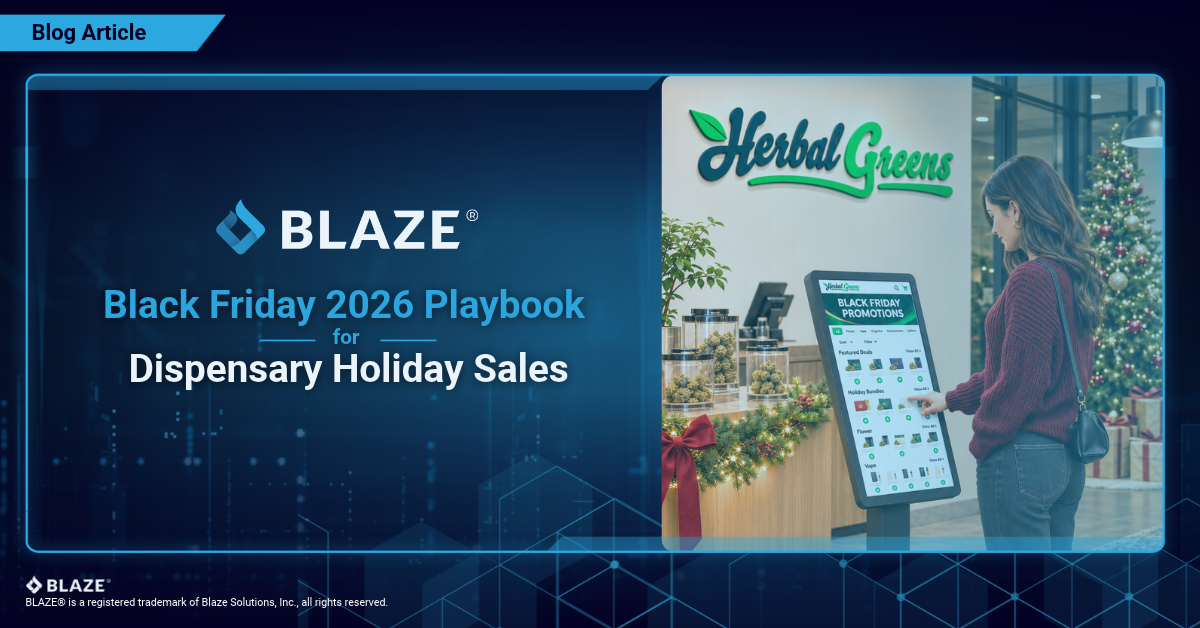
Black Friday 2026 is Friday, November 27, and for dispensaries it starts a four-day stretch through Cyber Monday on November 30. Green Wednesday gets the headlines, but Black Friday weekend is where retailers can turn holiday shoppers into regular customers. The dispensaries that do it best keep their tech steady after Wednesday's rush, run promotions that work the same in-store and online, and use the weekend to grow loyalty instead of giving margin away.
Use this playbook to plan your promotions, reset inventory, and keep checkout moving throughout the weekend.
Use only promotions, loyalty rewards, advertising, and payment options permitted in your market. Keep offers within applicable purchase limits and obtain consent for marketing messages.
Why Black Friday matters for cannabis retail
Cannabis shoppers look for Black Friday deals the same way they do in any other retail category, and they start early. Profound's prompt volume data shows US AI assistant prompts matching "black friday weed" grew from about 1,800 in October 2025 to about 15,000 in November and 19,000 in December. Prompts matching "black friday cannabis" followed the same pattern. Weekly volume more than tripled in the week of Thanksgiving and stayed high into early December.
That tells you two things:
- Shoppers are asking AI assistants where to find deals. If your promotions, hours, and menu aren't clearly published on your own website, those answers will point to someone else.
- Demand doesn't end Friday night. It carries through Cyber Monday and into December gift buying.
The Black Friday weekend playbook
1. Plan the whole weekend as one campaign
Treat Green Wednesday through Cyber Monday as one connected event:
| Day | Date | Focus |
|---|---|---|
| Green Wednesday | Nov 25 | Peak volume, pre-orders, express pickup |
| Thanksgiving | Nov 26 | Reduced hours or closed, online pre-orders for Friday |
| Black Friday | Nov 27 | Headline deals, bundles, loyalty multipliers |
| Small Business Saturday | Nov 28 | Local, independent-shop story, community events |
| Cyber Monday | Nov 30 | Online-only or online-first offers |
Stagger your offers so each day gives customers a different reason to come in, not the same discount four days in a row.
Build the campaign calendar two to three weeks ahead
Use BLAZE Growth to coordinate segmented email, SMS, and push campaigns. Map each message to a specific offer, audience, and landing page before scheduling it.
- Before Thanksgiving week: publish the weekend schedule and explain when each offer starts.
- Before Black Friday: highlight member access and Friday’s offers to the appropriate opted-in audiences.
- During the weekend: send useful updates about availability, local events, or pickup rather than repeating Friday’s message.
- Before Cyber Monday: explain online eligibility, order cutoffs, and fulfillment options.
Keep one internal calendar that lists the message owner, send time, store location, offer terms, and destination link. Check every link on a phone. Agree on who can pause a scheduled campaign if stock runs low or a store changes its hours. This prevents yesterday’s offer from reaching customers after the team has moved on.
2. Restock and reset after Green Wednesday
Use Wednesday close or your scheduled preparation time on Thanksgiving to:
- Pull a sold-out and low-stock report and reorder top sellers
- Remove sold-out items from your online menu (real-time inventory sync takes care of this automatically)
- Check which Green Wednesday promotions drove the biggest baskets, and repeat them
Turn the inventory review into a repeatable SOP
BLAZE MCP connects AI assistants to BLAZE inventory, e-commerce, and marketing data within the user’s permissions. For teams with early access, it can support a workflow from inventory review to draft discount, merchandising, and outreach. Each change is previewed and approved separately.
For the holiday reset, ask the assistant to flag slow-moving products, propose an offer within your margin target, and draft supporting campaign copy. Review the stock position, eligibility, dates, and economics before approving any step. Confirm access and rehearse the workflow ahead of the weekend.
Put the resulting decisions into a short shift handoff: products to feature, items to remove, approved substitutions, and the person responsible for updating each channel. Whether the review uses MCP or your usual reports, the SOP should end with assigned actions and a manager checking that they were completed.
Confirm replenishment timing before advertising restocked products. If an item cannot arrive in time, change the offer and its creative together. Keep a record of what changed so Saturday’s team does not rely on Friday’s briefing.
3. Run promotions that work across every channel
A Black Friday offer should apply consistently wherever it is advertised as valid. Clearly label channel-specific promotions, such as Cyber Monday online exclusives. When systems disagree about eligibility or pricing, staff end up resolving the mismatch at the register.
Promotions that tend to work well for the weekend:
- Doorbuster bundles with a set quantity, published online in advance
- Spend-and-get thresholds to lift average order value
- Early-access deals for loyalty members, sent by SMS the night before
- Cyber Monday online exclusives that shift buyers to pre-paid orders
Prepaid online orders can reduce the work left to complete at pickup. Keep pricing, promotions, customer records, and inventory consistent across channels so staff can fulfill those orders without manual corrections.
Test loyalty economics and checkout visibility
BLAZE Loyalty lets retailers configure earning rates, tiers, redemption, and stacking rules. Set the weekend’s member benefits before publishing them, then test how they interact with existing rewards.
Model a typical basket and a heavily discounted basket. Include the cost of redeemed rewards and the future value of new points when assessing the offer. Set a minimum acceptable margin and decide who can approve exceptions. A larger basket is not automatically a more profitable one.
Use BLAZE Customer Facing Display (CFD) to show customers their items, taxes, discounts, and points at checkout. Its self-enrollment QR code and idle-screen banners also give the team a way to introduce loyalty and highlight the current day’s offer.
Prepare separate Friday, weekend, and Cyber Monday creative where relevant. Before each shift, check that the display, online menu, and staff briefing describe the same active terms. Run a sample transaction with a reward redemption and another with an excluded item. Fix any confusing wording before customers encounter it.
4. Make sure shoppers (and AI assistants) can find your deals
More shoppers now ask ChatGPT, Perplexity, or Google's AI Overviews where to shop, so your website does more work than it used to. Publish a dedicated holiday deals page on your own domain with:
- A short summary at the top: dates, hours, and headline offers
- A bulleted list of deals by day
- A short FAQ (holiday hours, pickup, delivery cutoffs, payment options)
Use clear headings, lists, and direct answers to common questions so shoppers and search tools can understand your offers. Keep the page current throughout the weekend.
BLAZE Sites and ECOM put your menu and content on your own domain with dynamic meta tags, structured data, clean URLs, and sitemaps by default, so your deal pages are built to be found.
5. Turn weekend shoppers into December regulars
Black Friday's real return comes after the weekend:
- Invite each new customer to join loyalty at checkout
- Send a thank-you message with a December offer within a week
- Invite first-time online buyers to download your app or save their payment method for faster reorders
Give every new member a clear explanation of how to view and redeem rewards. Keep enrollment optional and make marketing preferences clear. Prepare the follow-up before the weekend so the team is not writing a December campaign after several busy shifts.
Separate first-time shoppers from returning members when reviewing results. Compare repeat visits, average order value, redemptions, and campaign-attributed revenue, then check whether the offers generated enough margin to justify their cost. Schedule a later review to see which holiday customers actually returned.
6. Keep your tech, and your support, steady for four days straight
Prepare for several busy days in a row. Confirm your support provider's holiday coverage, escalation contacts, and procedures for internet or hardware failures. Brief every shift lead so staff know where to get help quickly.
Run a short opening and closing review each day
- Before opening: review yesterday’s exceptions, confirm stock and active offers, and check the pickup queue.
- Before a campaign sends: verify the advertised inventory, offer terms, store hours, and destination page.
- At shift change: hand over unresolved orders, customer issues, and any changes to pricing or pickup instructions.
- At close: reconcile orders, retire expired banners, and record the next day’s priorities.
Keep the review short enough to repeat throughout the weekend. Record the decision, owner, and deadline for each issue. After Cyber Monday, use the recurring problems to update your regular operating procedures, so the next peak day starts with a better playbook.
Black Friday dispensary FAQ
When is Black Friday 2026?
Friday, November 27, 2026. Cyber Monday is November 30.
Do dispensaries run Black Friday deals?
Many do, depending on local regulations. Publish your offers, eligibility rules, hours, and fulfillment options clearly so customers know what to expect.
What's the difference between Green Wednesday and Black Friday for dispensaries?
Green Wednesday is usually the higher-volume single day, driven by stock-up trips before Thanksgiving. Black Friday kicks off a four-day weekend that suits deals, loyalty sign-ups, and online-first offers.
What kinds of Black Friday promotions work best for dispensaries?
Consider bundles, spend thresholds, and loyalty-member early access where permitted. Compare each offer's expected margin and staffing needs before choosing your campaign.
How can dispensaries get their deals to show up in AI search?
Publish a dated holiday deals page on your own domain with a summary, a list of offers, and an FAQ, and update it during the weekend.
Plan your weekend with BLAZE
You run the store. We run the technology. To map out your Black Friday weekend, or see how one platform across POS, ECOM, app, and payments supports peak days, talk to the BLAZE team.
Request a Free Demo →